
Generate a branded system, minus the busywork.
See how Token Designer works
Generate a branded token system, preview it as real components, catch accessibility issues before they ship, and bring it all into your AI coding workflows. Token Designer makes your design system actually usable.
A quick walkthrough of how Token Designer works, from setup to your first design system.
The Problem
AI can generate your UI fast. It still can't give you a real system.
Founders can now generate screens, apps, and components in minutes. But without a real design system behind them, the output gets generic fast, drifts off-brand, and breaks the moment you try to turn it into a reusable component library.
- Tokens exist, but never become usable components
- Accessibility issues show up after the UI is already built
- AI generated UI drifts off brand
- Component libraries break under brand changes
- Manual cleanup replaces the speed AI promised
- Teams still hand off design decisions into code manually
The Solution
Generate your design system in minutes and use it anywhere.
Token Designer helps indie founders and small teams create a complete design system, preview it on real components, and bring it into AI coding workflows so they can ship faster without hand-building the whole UI foundation.

Generate
Create a complete design system with AI including colors, type, spacing, radius, and brand rules without starting from scratch.
Preview
See your system applied to real components instantly, so you can refine the UI before burning time in code.
Ship
Bring your system into AI coding tools via MCP to generate a working component library that stays aligned as you build.
Who It's For
Built for indie founders and small teams shipping with AI
Token Designer helps fast-moving builders create a real design system, preview it on working UI, and bring it into AI coding workflows without hand-building the whole component foundation from scratch.
Indie founders
Go from brand idea to usable UI foundations in minutes, so you can spend less time on setup, skip rebuilding the basics from scratch, and stay focused on shipping the product faster.
AI-first developers
Use MCP to bring your design system into the tools where code gets written, so generated UI stays aligned, components stay more consistent, and less time gets wasted fixing drift by hand.
Small product teams
Create a design system fast, then keep it up to date with the token editor and AI assistance that reduce the repetitive manual work of updating tokens across the system.
Live Preview
See your design system before you ship it.
Preview your tokens as a live component library, make changes in real time, and watch your system update instantly. No more guessing whether your design decisions will work in code.

Accessibility
Build accessibility in from the start.
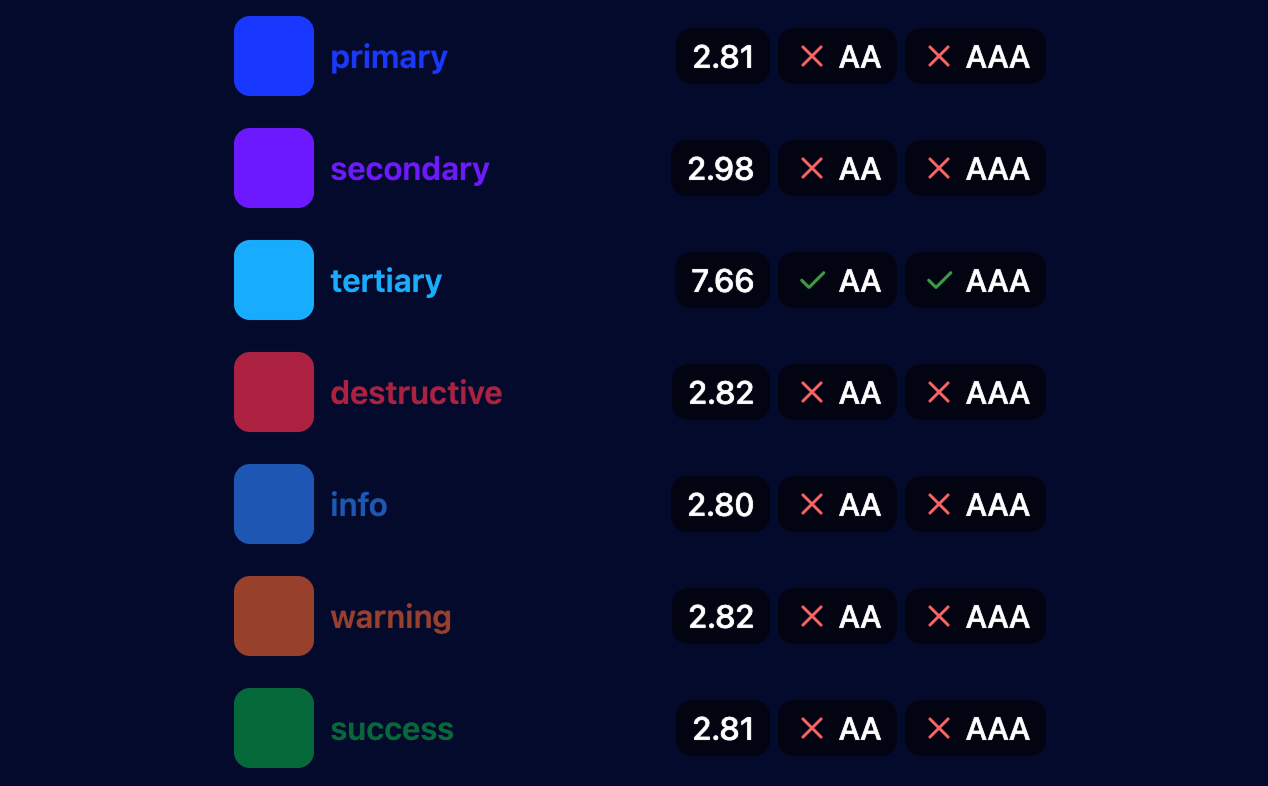
AA
Minimum contrast guidance built in
AAA
Enhanced accessibility targets supported
Token Editor
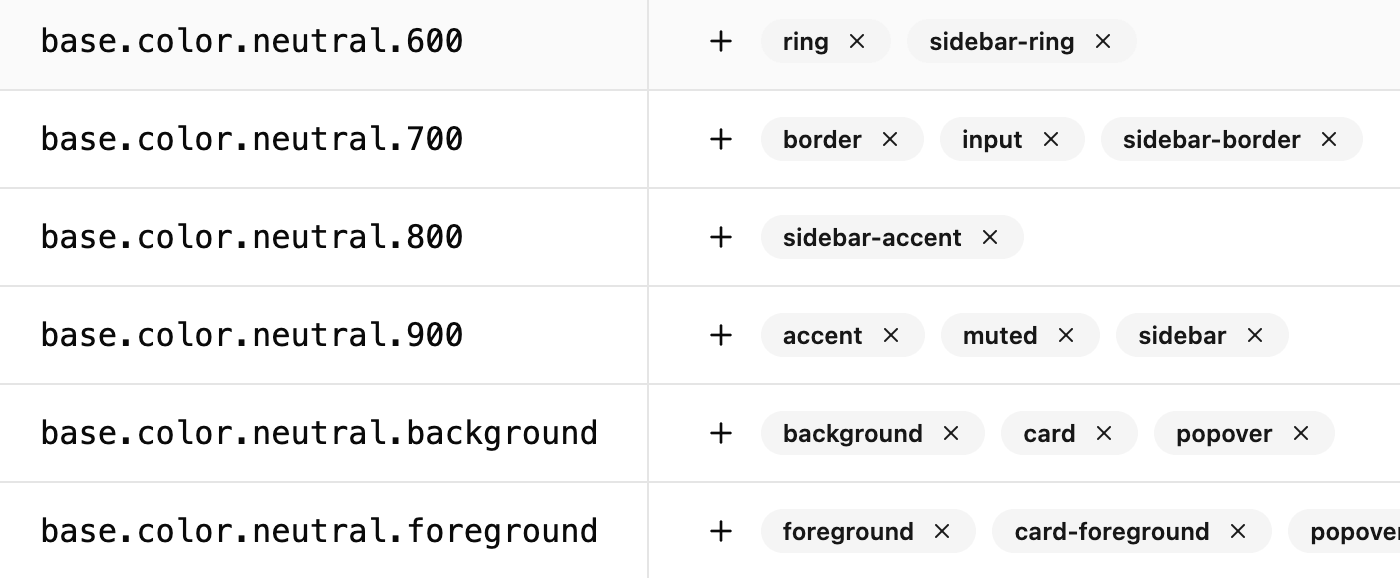
Edit your design system directly.
Make targeted changes to your tokens without starting over. Add new tokens, remove ones you no longer need, and update values across your system from a single interface that keeps design and development in sync.
Integrations
Multi-directional design and code workflows.
Token Designer's MCP server brings tokens, styles, and accessibility guidance into any MCP compatible tool or agent workflow, connecting your design system to infinite workflows where code gets written.
Origin Story
“Token Designer came from building design systems the hard way”
After working closely with design teams and building multiple component libraries, I kept seeing the same issue. There had to be an easier way to create design systems that worked better for both design and development.
Create your design system once. Use it everywhere you build UI.
Generate a branded design system, preview it live, improve accessibility from the start, and bring it into your AI coding workflows. It’s called Bezel now, and it lives at bezel.new.